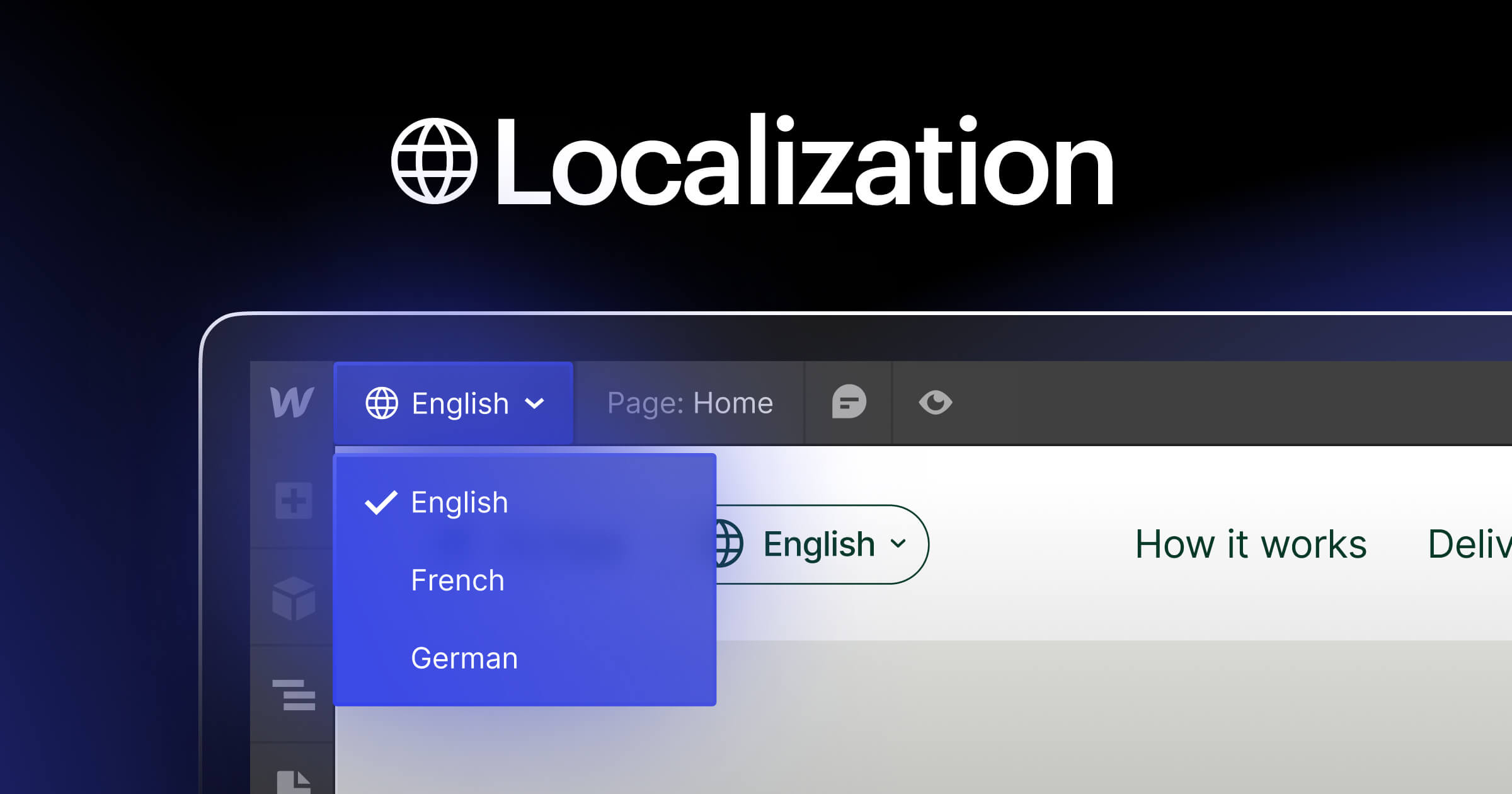




Website translation management allows you to serve customers from diverse linguistic backgrounds.
As you scale your business, you’ll venture into new geographic regions where your website’s original language might not fit. Translation management handles the process of translating content from one language to another. This lets your website cater to multiple regions so you can communicate effectively with target audiences in their native or preferred languages.
Setting up a reliable translation management workflow positions your business for continued growth. Read on to learn about the types of translation management systems, their benefits, and how to choose the best features for your business.
Types of translation management software systems
Translation management can involve several different approaches and tools depending on your organization’s needs. Here are the primary types of translation systems, each with unique features and applications:
- Computer-assisted translation (CAT) tools have translation memory and terminology databases to help human translators work more efficiently. These tools are ideal for keeping content consistent across multiple pages in a website translation project.
- Machine translation (MT) uses algorithms to convert text from one language to another automatically. While MT isn’t flawless, it can quickly translate large volumes of site content before human translators fine-tune the copy.
- Localization management platforms adapt content for different regions and cultures. These platforms integrate various tools and content management systems (CMSs) to ensure translations are contextually appropriate and culturally sensitive for that location.
- Translation management systems (TMSs) provide a centralized platform for translation projects. They automate workflows, manage translation assets, and integrate with other tools to streamline complex and content-heavy site translation projects.
When you’re evaluating website localization tools, translate a sample section of your site to see if the TMS meets your quality standards.
How to choose a website translation management system
When comparing tools, think about:
- Integration options (CMS, third-party services)
- Collaboration features (real-time edits, user roles)
- Translation memory and glossary support
- Ease of implementation and training
- Cost structure that fits your team
Translation management system benefits
When used correctly, translation management systems help your company reach a global audience. Here are some key benefits of TMSs to consider:
Scalability
You can flexibly scale your translation efforts with a TMS. As your business grows and enters new markets, your TMS can accommodate increasing volumes of content without compromising quality or efficiency. For example, you can use a TMS to manage translations for new product launches to ensure it consistently translates marketing materials, user manuals, and support documentation across multiple languages.
Key takeaway: A TMS can accommodate more content as your business grows.
Versatility
TMSs can handle various content types, including websites, marketing materials, and legal documents. This ensures accurate, on-tone messaging and translation for important texts like contracts and ad campaigns.
Key takeaway: A TMS helps maintain brand and tone across various content.
Collaboration
TMSs provide collaboration features for centralized project management. Team members from different regions can work together in real time to manage multilingual website updates, producing timely and accurate translations.
Key takeaway: A TMS helps your teams maintain brand voice across all channels.
Cost-effectiveness
TMSs allow you to reduce the time and resources required for translations by automating repetitive tasks and reusing previously translated content. For example, an elearning platform can recycle translations for course materials, quizzes, and certificates, delivering high-quality content at a lower cost.
Key takeaway: A TMS helps automate repetitive tasks by recycling translations.
Brand loyalty
Precise and culturally relevant translations help build trust among international customers. By providing content in audiences’ native or preferred languages, you improve the user experience, which helps strengthen loyalty and customer relationships for long-term engagement.
Key takeaway: A TMS helps build trust with international customers by using their preferred languages.
Workflow management
TMSs automate repetitive tasks, making your team’s workflow efficient and consistent. It gives you time to focus on more strategic and important tasks.
Key takeaway: A TMS makes your team more efficient by giving back time.



















Unlock worldwide scale
Learn how Webflow Localization can help you customize your site for a global audience and drive business growth in this free webinar.
Translation vs. localization
Translation and localization both make information accessible to diverse audiences but serve distinct purposes. Translation involves converting text from one language to another and focuses on linguistic accuracy. The objective is to convey the original message while preserving language-specific meaning and context.
Localization goes beyond translation — it adapts content to fit the cultural and contextual nuances of a specific region’s target audience. It involves adjusting elements like date formatting, currencies, images, and even idioms to resonate with local readers, making the content feel natural — as if it’s tailor-made for that demographic.
For example, a Canadian business-to-business (B2B) software company that sells project management tools could translate the user interface text from English to German, making the software understandable for German-speaking users. Localization, however, would involve changing the entire user experience, such as:
- Adjusting the date formats to the European style
- Changing references to local holidays in scheduling features
- Translating documents to help with customer support
Both translation and localization are essential processes for making products and services relevant for diverse national and international audiences. A global content strategy balances consistent brand messaging with localized nuances. This approach ensures your site resonates with audiences no matter their region.
6 translation tool considerations
Choosing the right translation features within your TMS is crucial for ensuring consistent, high-quality translations. Here are six considerations when choosing a translation tool or system.
1. Simple implementation
A tool that’s quick to set up and integrate with your existing systems reduces downtime, enabling you to start translation projects as soon as possible. Seamless implementation means fewer project disruptions and a faster return on investment, which is critical for meeting deadlines.
For example, companies with a global workforce can benefit from sharing onboarding resources in multiple languages. This helps remote employees quickly understand new workflows without compromising teamwide productivity.
2. User-friendly interface
An approachable interface reduces the learning curve, making translations more efficient and less error-prone. This means that translators, project managers, and team members can conveniently access necessary features and complete tasks without frustration. An intuitive interface also cuts down on training time and troubleshooting efforts.
3. Integration capabilities
A TMS that integrates with existing systems like project management software and communication platforms ensures smooth workflows and data consistency across channels. With fewer manual entries and errors, you’ll have more time to focus on creating new content.
For instance, you can integrate a TMS with your website’s CMS. When you make changes within your CMS, the TMS automatically translates and updates content on different pages.
4. Instantaneous translation memory
Translation memory features store previously converted content and make suggestions for new projects. Instant access to memory speeds up the translation process by reusing existing translations. It also helps maintain consistency by keeping terminology and phrasing the same across all content. This helps reinforce your brand identity and tone of voice.
For example, a multinational healthcare provider with a globalized management system could allow translators to quickly retrieve and use medical terminology. This leads to consistent and accurate patient data and medical guideline translations.
5. Language resources
Language resources like glossaries, terminology databases, and style guides help translators understand each project’s contextual requirements for accurate and culturally appropriate translations. Access to extensive language resources improves translation quality and helps your content resonate with broader audiences.
For instance, a global financial services company might use a TMS with specialized language resources for the finance industry. This includes dedicated glossaries that help translators accurately convert complex financial documents to make sure they meet regulatory standards.
6. Performance tracking
Performance tracking features let you monitor translation quality, turnaround times, and process efficiency. These metrics help identify improvement areas so your translation projects meet quality standards and deadlines.
A cybersecurity company could use performance tracking features in their TMS to check progress on user manuals and support documentation translations. By analyzing metrics like error and productivity rates, they can identify delays with specific language pairings. These insights help the team allocate additional resources to those particular languages for more timely and accurate translations.
Website translation management examples
Crowdin
Crowdin is a translation management system that integrates with Webflow and offers a flexible approach to AI translation. When content is updated, it automatically initiates Crowdin and Webflow’s workflow. Then AI drafts the translation, and the final content is instantly deployed back to your live Webflow site.
Guru is an AI platform that centralizes company knowledge to give employees verified answers. They constantly make updates to their site, and the Webflow and Crowdin integration helps them scale quickly and seamlessly.
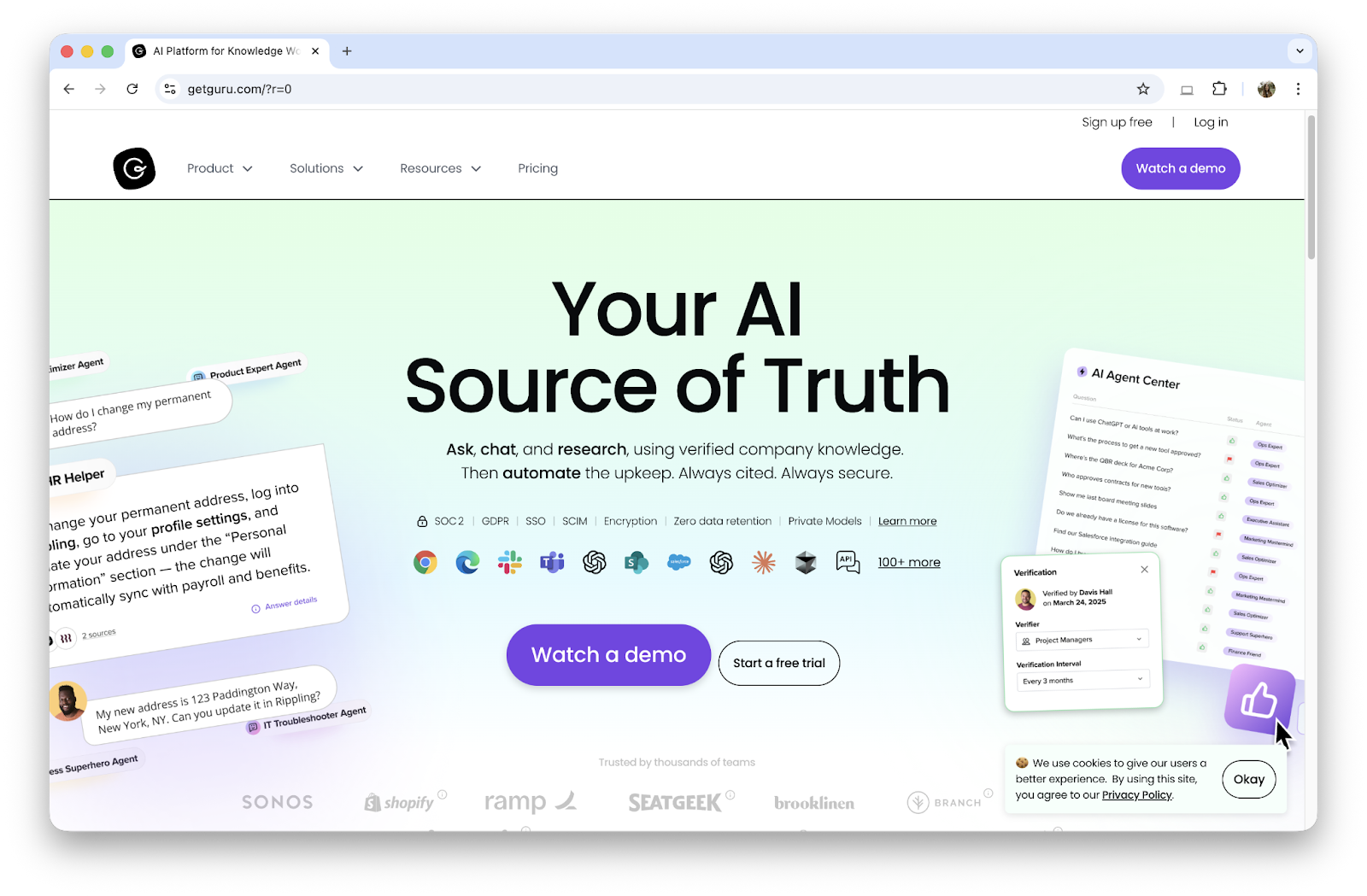
“Webflow has been the backbone of our GTM engine for years, and Crowdin’s integration is what unlocked true global scale. The Crowdin<>Webflow sync meant we could localize thousands of pages with almost no manual effort.” - Bob Horan, Principal Interactive Designer, Guru
LILT
LILT is an AI solution for enterprise-grade translation and localization that happens directly in Webflow. The LILT Connector allows you to streamline workflows and deploy multilingual content on your website quickly and easily. It combines customized AI and expert human linguists with agentic, automated workflows to offer reliable, scalable translations.
ASICS, a customer, relied on LILT’s human translators with an adaptive neural MT system to preserve its brand while delivering faster translation. LILT helped ASICS deliver 60% faster translation turnaround times, which empowered the localization team to better serve their global stakeholders in product, marketing, digital, and merchandising.
Establish a global brand presence with Webflow
When your website resonates with audiences worldwide, it becomes a widely accessible and relevant source of information, giving you an advantage over competitors near and far. By implementing localization strategies, you can avoid alienating potential customers and take advantage of valuable growth opportunities.
But to expand your online presence on a global scale, you need the right tools to develop and support your site. Webflow Localization is an end-to-end solution that supports native and extensible translation — you can either translate with Localization features in just a few clicks or connect to a third-party TMS. Webflow Localization integrates with your existing workflows and offers visual-first locale customization.
Looking to simplify website translation management? Build a thriving global presence with Webflow Localization — a powerful way to adapt your content for different markets.

Customize your site for visitors around the world
From design to translation to best-in-class SEO, Webflow Localization is an end-to-end solution for customizing your site for a worldwide audience.